01/ 06
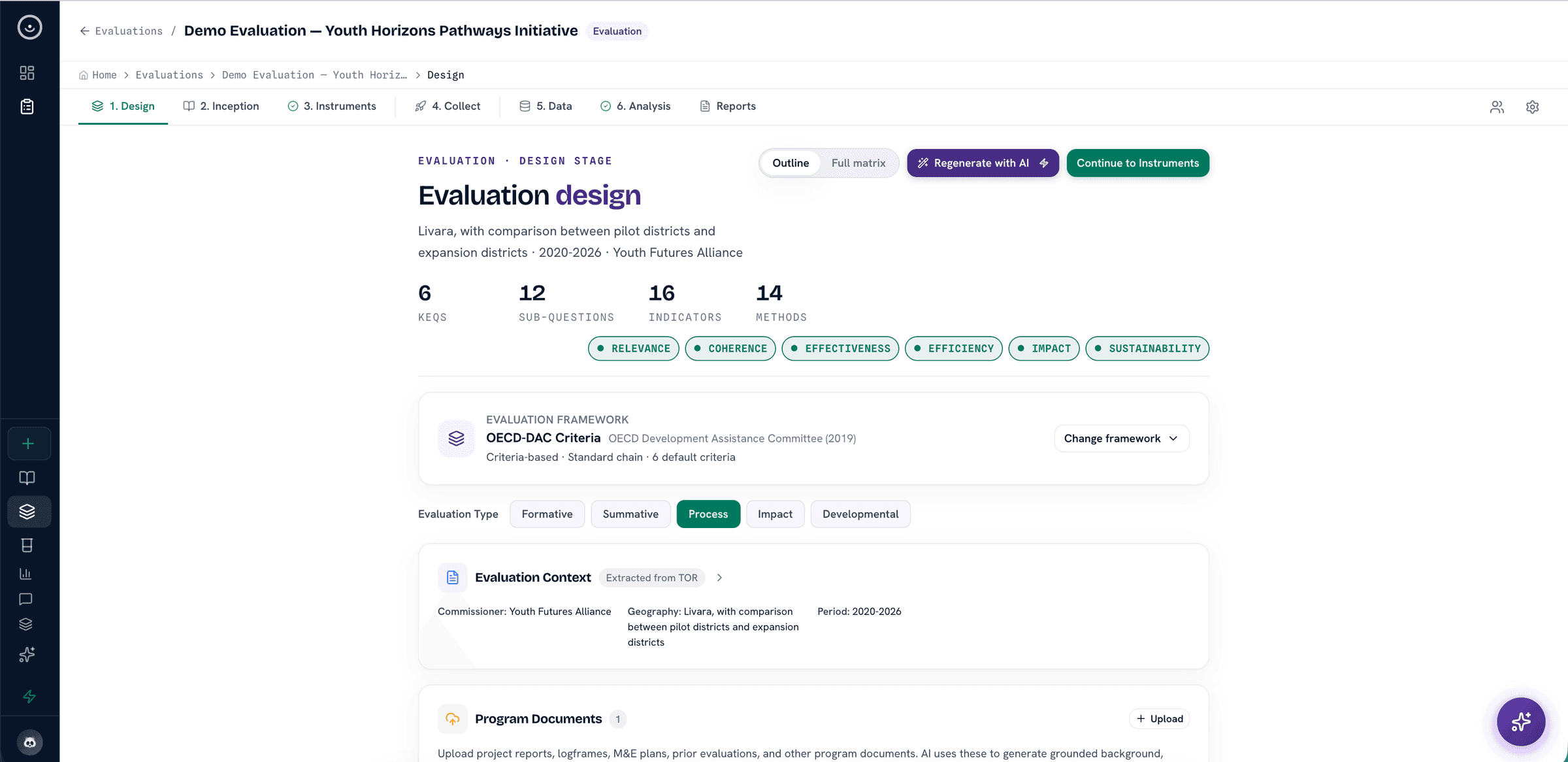
Study setup and evaluation canvas
Define the study, instruments, frameworks, key evaluation questions, indicators, sources, and evidence standards before analysis starts.
See evaluator use caseDesign, fieldwork, literature review, coding, statistics, and reporting are not five tools passing files between them. In Heurista they are one connected study record, so the question every reviewer asks, how was this finding produced, always has an answer.
Product surface
These are capability areas inside one product, not separate products for different users. Teams can start from an evaluation canvas, a research instrument, imported field data, a literature review, or existing evidence, then move into analysis and reporting without rebuilding the record.
Define the study, instruments, frameworks, key evaluation questions, indicators, sources, and evidence standards before analysis starts.
See evaluator use case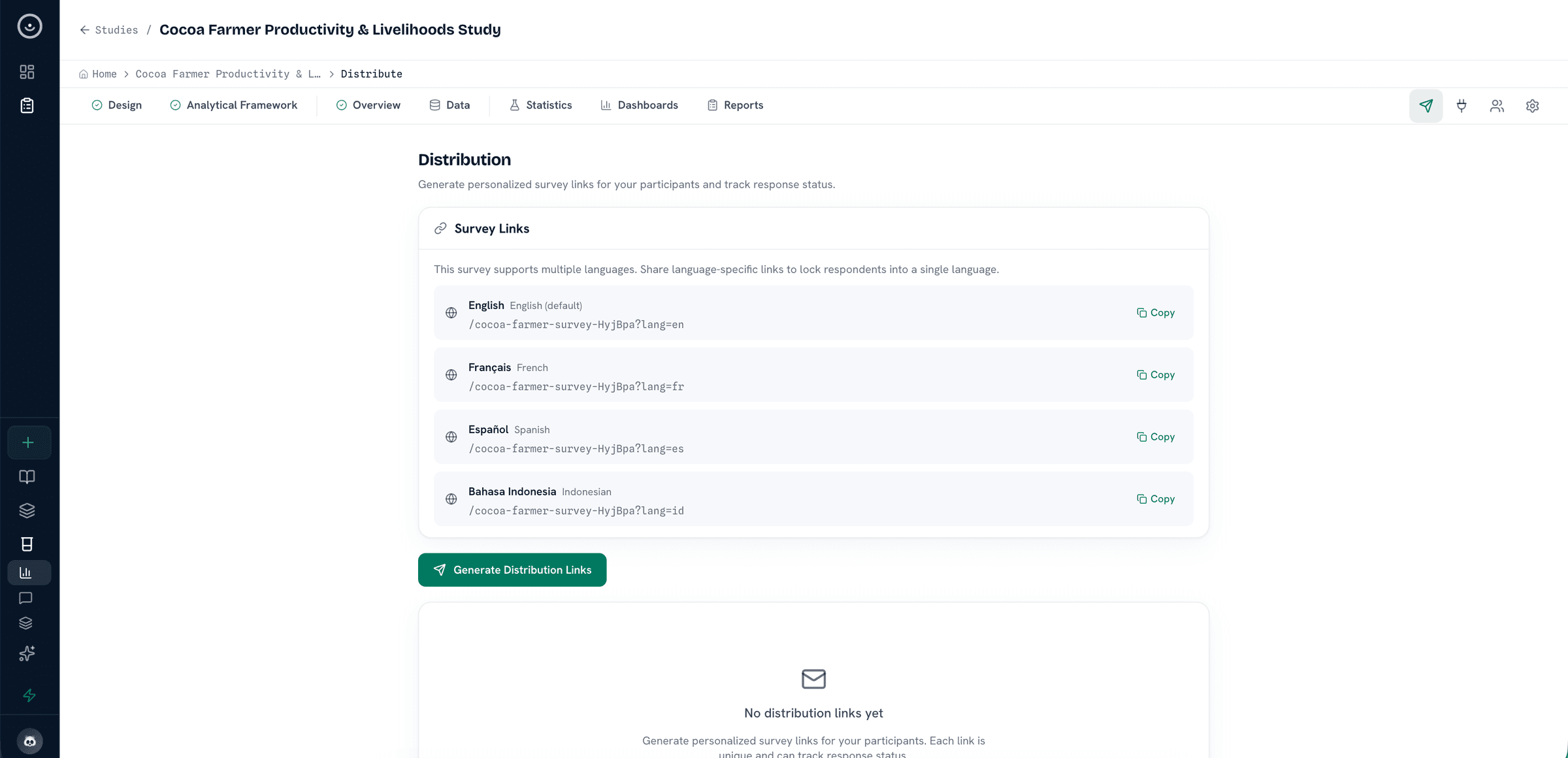
Prepare instruments for deployment, manage study languages and consent, push XLSForms to KoboToolbox or ODK Central, or hand off validated exports to SurveyCTO and other XLSForm-compatible tools alongside CSV and transcript intake.
Explore collection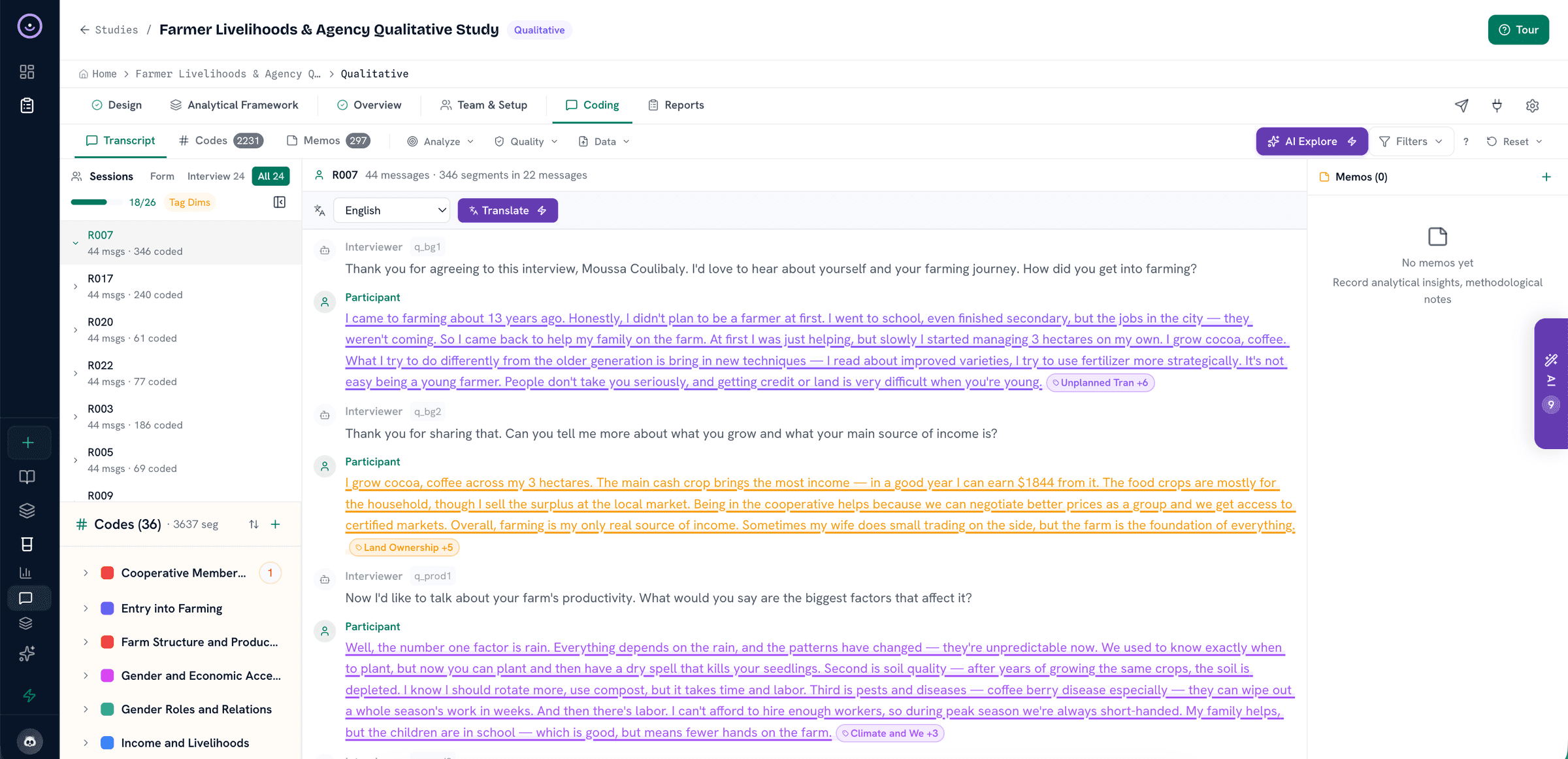
Review transcripts, search connected literature catalogues, import restricted sources, screen records, apply codes, and keep respondent, connector, and source context visible while analysis develops.
See coding tools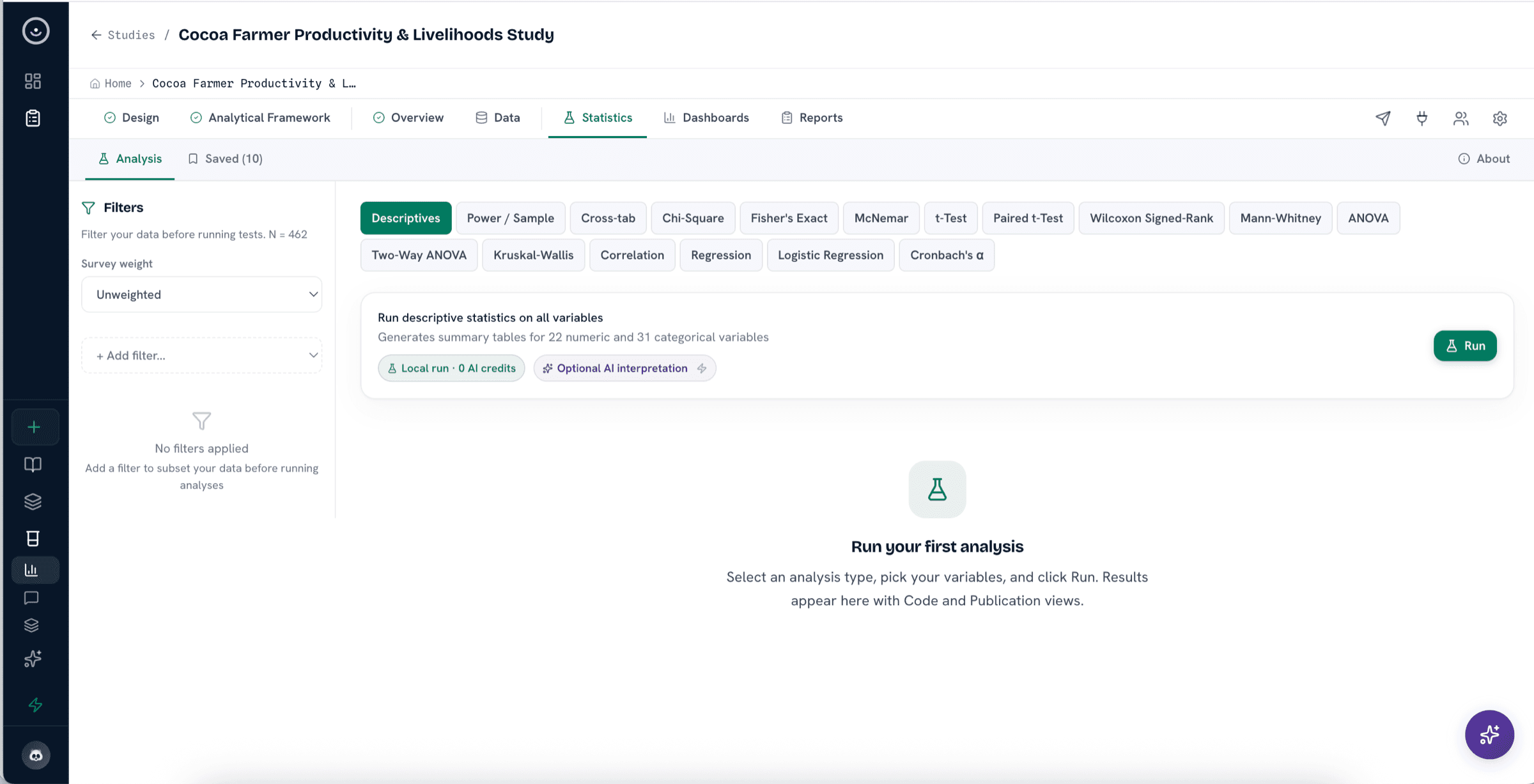
Prepare and segment the dataset, analyze the whole survey or selected respondent groups, and use descriptive, inferential, regression, reliability, longitudinal, and panel procedures beside the same study record used for qualitative review.
See statistics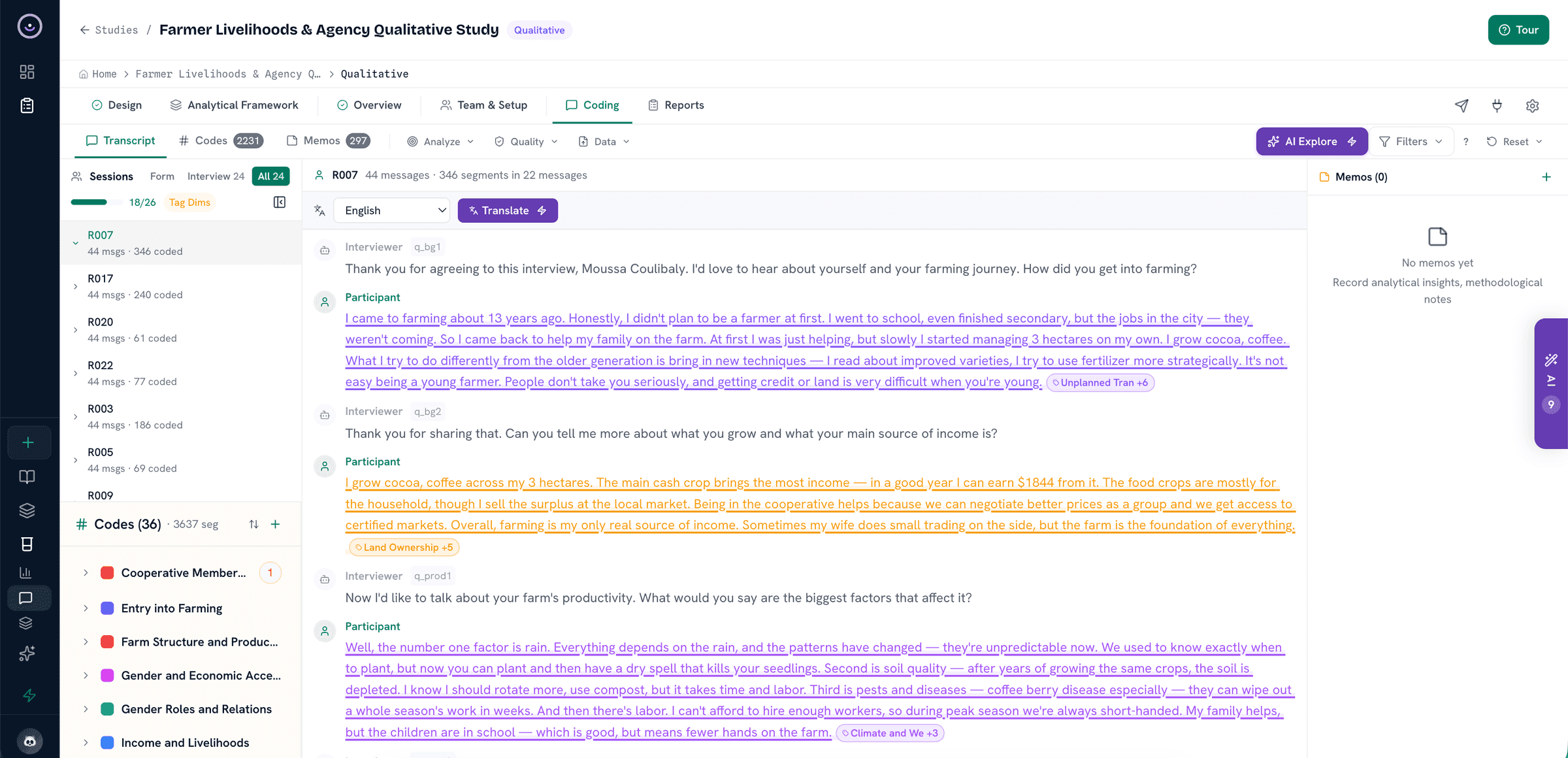
Turn coded excerpts, screened studies, tables, documents, and reviewer notes into candidate findings that remain traceable to their source material.
See evidence matrix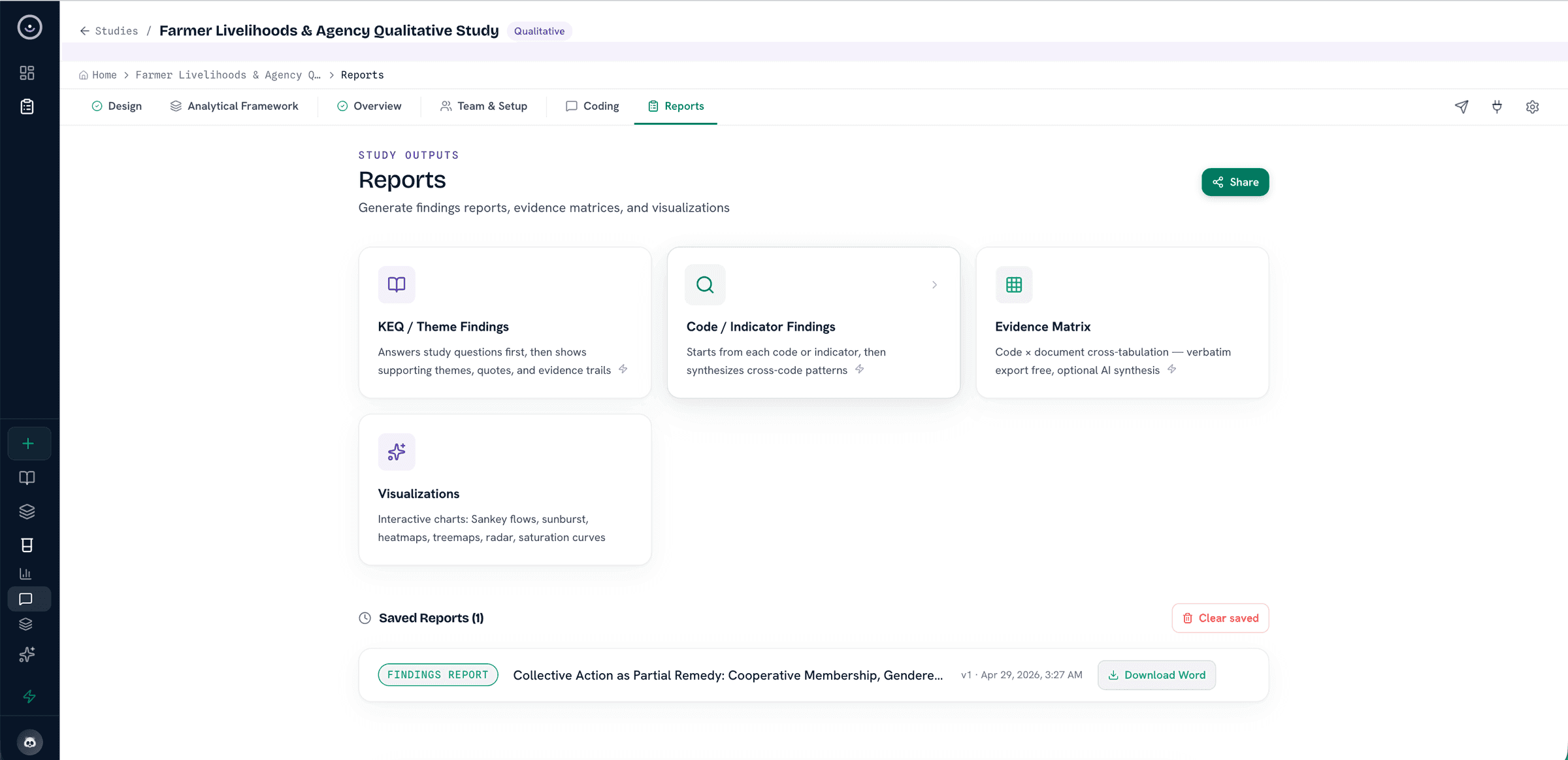
Create analytical findings reports, code or indicator reports, evidence matrices, PRISMA-ready review summaries, briefs, visualizations, saved report versions, and review packages.
See report outputsDetailed capability index
Use this index when you want the detailed feature surface. The grouping is for navigation only: collection, analysis, reporting, governance, and review all live in the same study workspace.
Next step
Bring a real study. Design instruments, collect responses, code the evidence, run analysis, and draft a report. The useful test is whether the source trail still makes sense at the end.