01
Instrument design
Structured instruments, not loose forms.
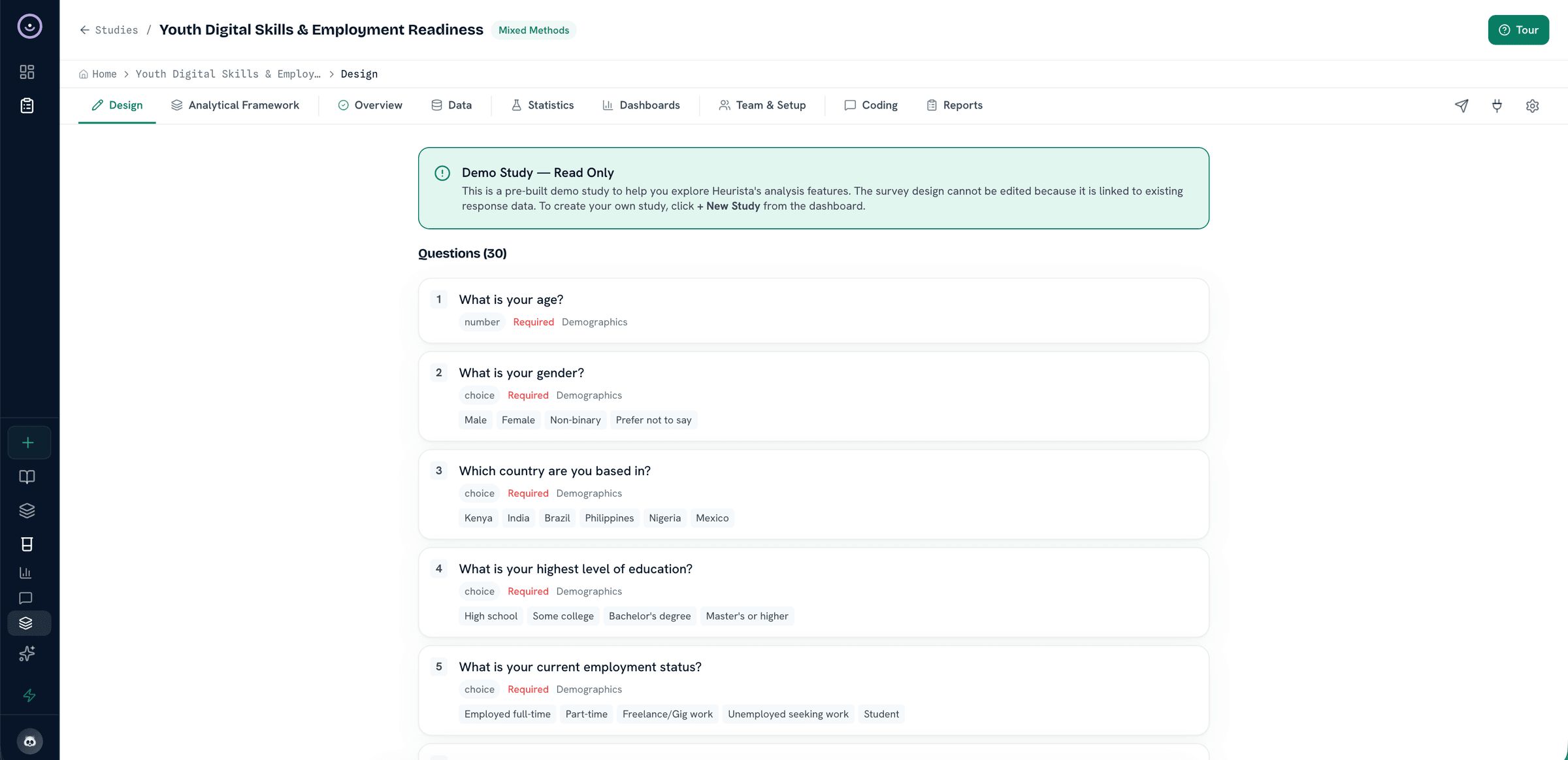
Build short checks or longer instruments with sections, validation, branching, and matrices.
LikertMultiSingleMatrixOpenNPSRankDateGeoFile+13Auto
Run structured forms, chat-style interviews, or voice collection from the same instrument. When fieldwork needs a CAPI layer, push to KoboToolbox or ODK Central, or export a validated XLSForm for SurveyCTO. Language, consent, skip logic, and respondent identity travel with every response from first contact.
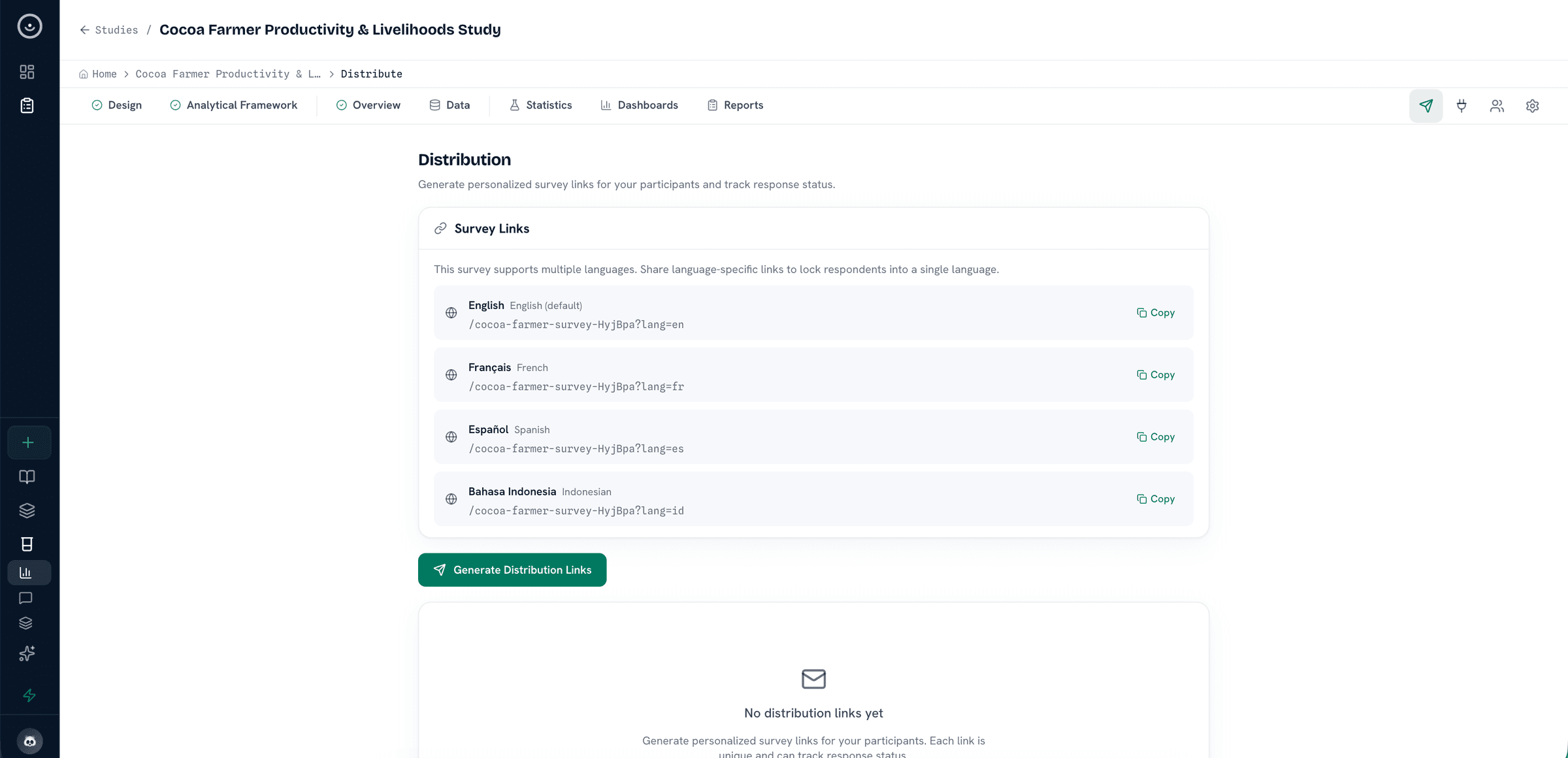
Collection workspace: multiple instruments, languages, consent, and release checks before launch.
Explore the tools for designing, localizing, and deploying a study while keeping consent, logic, and response records visible.
Build short checks or longer instruments with sections, validation, branching, and matrices.
Choose the response mode that fits the study setting while keeping data in one study structure.
Use AI to draft questions, sections, and response options from a research brief, then review before launch.
Condition questions on prior answers, carry values forward, and validate responses with ranges or patterns.
Manage study languages from one master instrument, with translations versioned and reviewable before launch.
Add consent screens, record accepted versions, and keep withdrawal paths documented in the study record.
Apply per-study visual settings so respondent-facing instruments match the organization or program identity.
Check wording, consent flow, and follow-up prompts so collection stays aligned with the study protocol.
Push to KoboToolbox or ODK Central by API, or export a validated XLSForm for SurveyCTO and other ODK-compatible systems.
When a study uses chat-style or voice collection, transcripts and follow-up prompts stay available to the research team before analysis and reporting.
access → time-to-care. Researcher confirms during coding.Responses, transcripts, and metadata remain connected to the study context so analysis can begin without reconstructing the evidence trail.
Next step
Design instruments, set up consent, validate XLSForm handoff, and choose the collection path that fits your fieldwork.