01
CAQDAS workspace
Codebooks, tagging, memos, evidence.
A qualitative analysis workspace for codebooks, transcript review, memos, and evidence tracking.
CodesMemosQuotesTagsThemesLinksNotesQA
Code transcripts with every decision logged, screen literature against criteria, record PRISMA-ready review decisions, run named statistical tests, and build dashboards that read from the live study rather than an export.
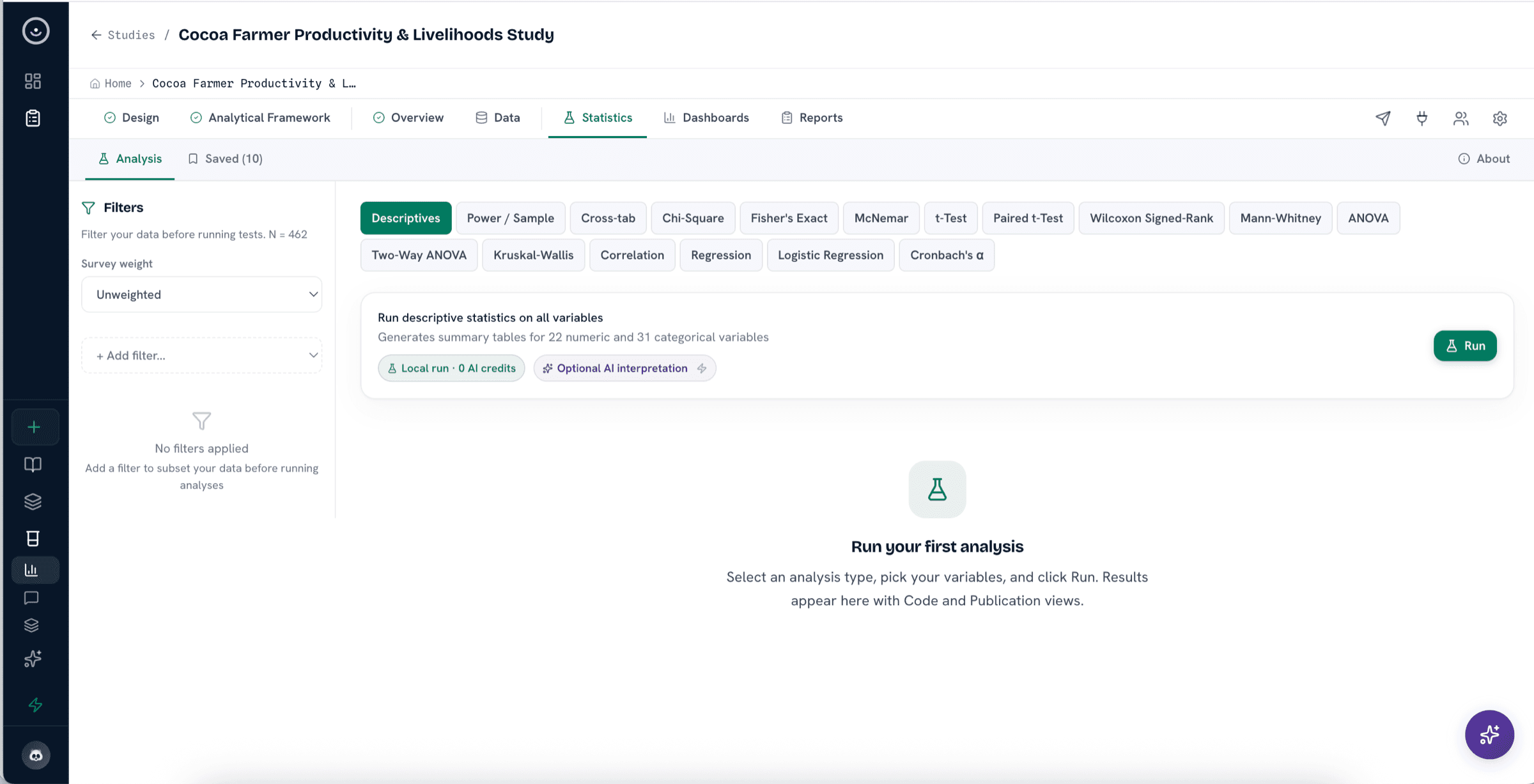
Data preparation, respondent groups, reusable segments, statistical methods, and dashboards stay connected to the study.
Explore the analysis tools that connect coding, systematic literature review, frameworks, dashboards, and source review.
A qualitative analysis workspace for codebooks, transcript review, memos, and evidence tracking.
AI can suggest codes and themes, while researchers approve, edit, or reject each assignment.
Structure analysis around one of several study and review frameworks, including OECD-DAC, theory of change, grounded theory, JBI, CASP, or a custom framework.
Prepare data, save reusable segments, analyze the whole survey or selected respondent groups, and choose compatible descriptive, inferential, regression, reliability, longitudinal, or panel procedures.
Search supported scholarly and grey-literature sources, import PDFs, Word files, RIS, BibTeX, URLs, and programme documents, and see which connectors are connected, retrying, or import-only.
Build dashboards with charts, tables, heatmaps, word clouds, and KPI widgets for review and reporting.
Marker clustering, gradient overlays, and categorical colouring for geo-tagged responses and sites.
Use study data, tables, documents, and coded excerpts to review what supports a possible answer.
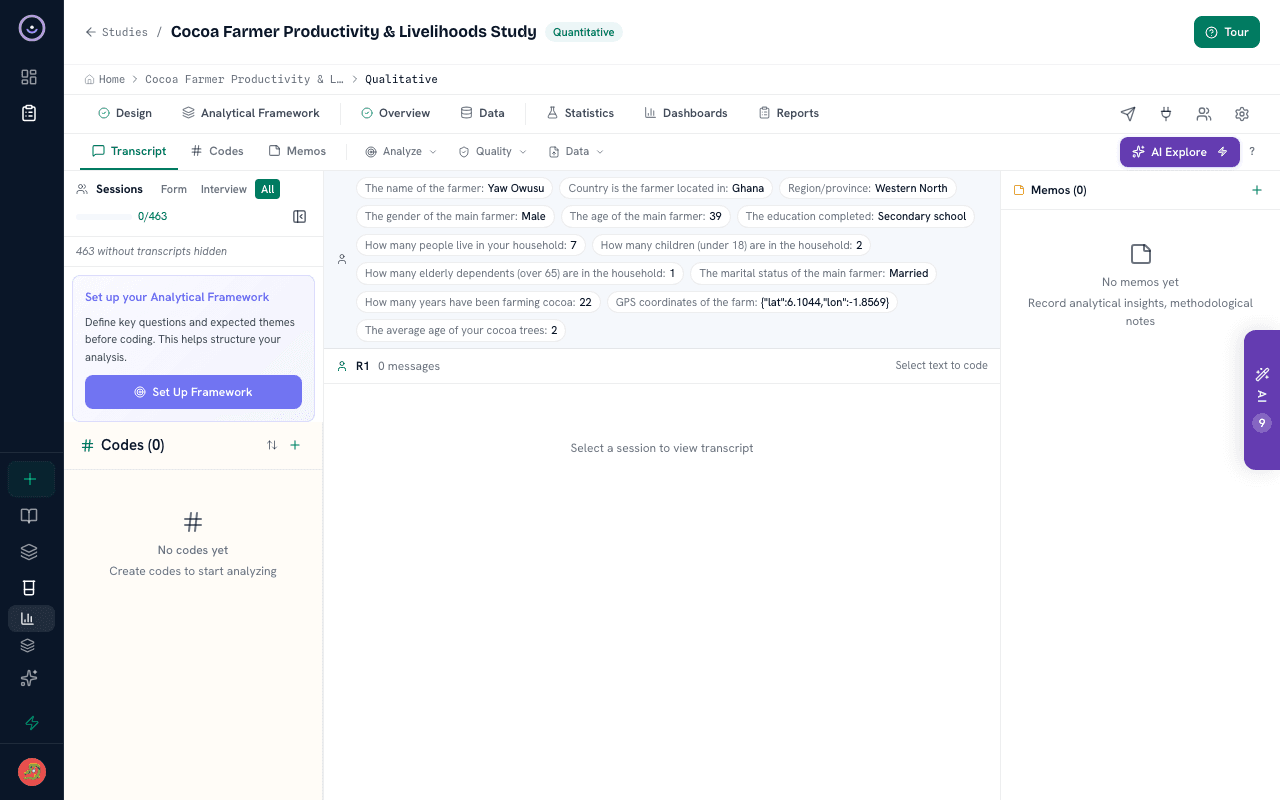
Use matrices, coded excerpts, documents, and structured variables to check what supports a finding before it moves into a report.
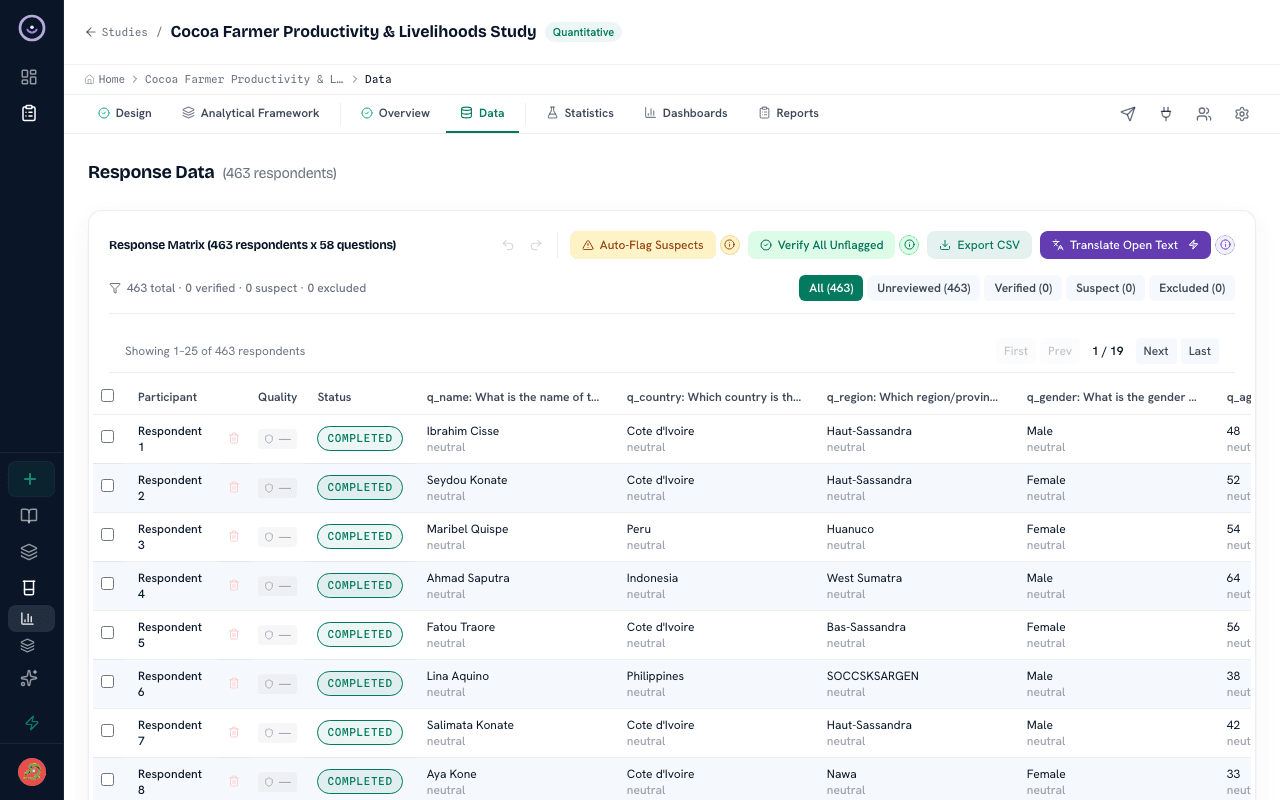
Coded evidence, dashboards, PRISMA-ready review summaries, and reviewed findings can be carried into structured report drafts with source links intact.
Next step
Bring a CSV, transcripts, literature records, or a completed study and see how the analysis workspace keeps findings tied to source material.